Yendif Video Share – Playlist module
Modules allow you to display certain elements on your site in key areas around the template. "Yendif Video Share – Playlist" module is used to add a video playlist in your module position.
This page assumes that you have a basic idea about Joomla! modules and how to use them. So, this section focuses only on describing the module properties. If you're a Joomla! Beginner, we recommend reading http://docs.joomla.org/Module before getting further into this document page.
"Yendif Video Share – Playlist" is installed together with the component and it’s already available under Extensions => Module Manager.
Module properties
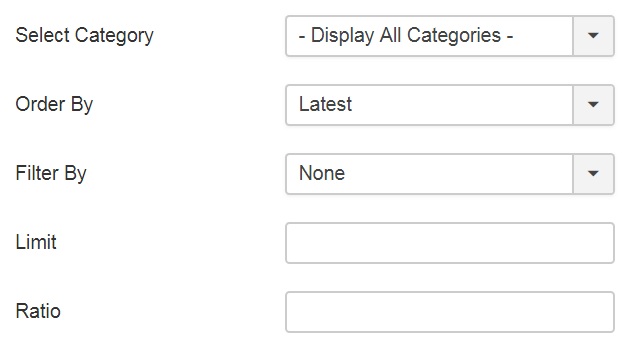
| Option | Description | Example |
| Select Category | Select category from the which the video should be played. | Albums |
| Order By | Order in which the video playlist should be loaded. | Latest |
| Filter By | Option to show only featured videos. | None |
| Limit | Limit the number of videos to be loaded when the player type is "Playlist". | 10 |
| Ratio | The player will use the full width of its enclosing container/html element and scale its height according to the ratio provided here. | 0.5625 |
Skin Settings
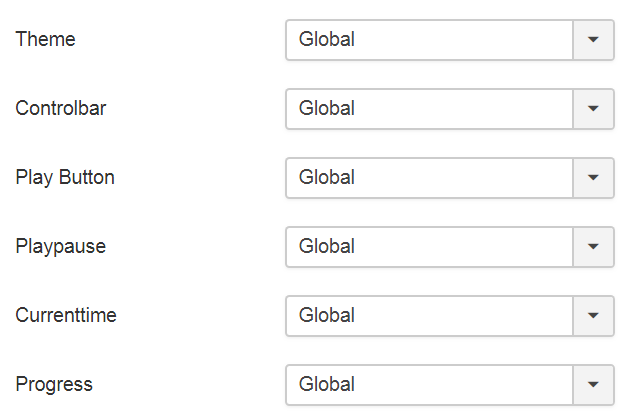
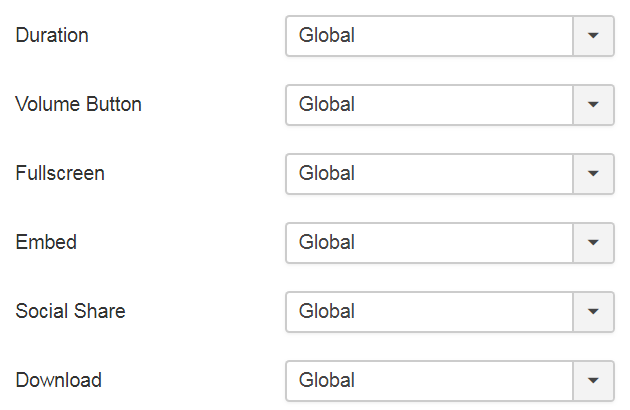
| Option | Description | Example |
| Theme | Two skin colors are available. Pick the best one for your website. | Global |
| Controlbar | Show or hide the player controls. | Global |
| Play Button | Show or hide the big play button in the middle of the video player. | Global |
| Playpause | Show or hide the play/pause control from the controlbar. | Global |
| Currenttime | Show or hide the current playback time's display. | Global |
| Progress | Show or hide the progress bar. | Global |
| Duration | Show or hide the video's total duration. | Global |
| Volume Button | Show or hide the volume control. | Global |
| Fullscreen | Show or hide the fullscreen button. | Global |
| Embed | Show or hide the embed option. | Global |
| Social Share | Show or hide social share script. | Global |
| Download | Show or hide the Download button. | Global |
Playback Settings
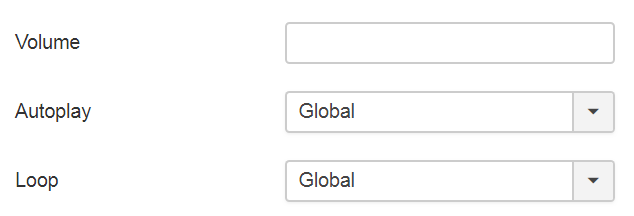
| Option | Description | Example |
| Volume | The playback's default volume level [0 - 100]. | 50 |
| Autoplay | Control whether to start the playback automatically or wait for the user input. | No |
| Loop | If enabled, the player will start playback again from the beginning once the video is completed. | Global |
Playlist Settings
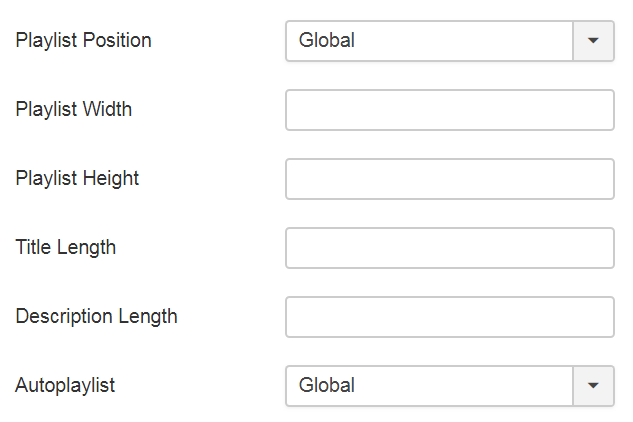
| Option | Description | Example |
| Playlist Position |
Yendif Video Share allows to position playlist in 2 directions,
When player size is less than 400px, the playlist is automatically moved to the player bottom. |
Global |
| Playlist Width | The width of the playlist in pixels. | 250 |
| Playlist Height | The height of the playlist in pixels. | 150 |
| Title Length | Amount of title displayed in playlists (In characters) | 75 |
| Description Length | Amount of description content displayed in playlists (In characters) | 100 |
| Autoplaylist | If enabled, the player will start playing the next media automatically after the current playback completes. | Global |
Advanced Settings
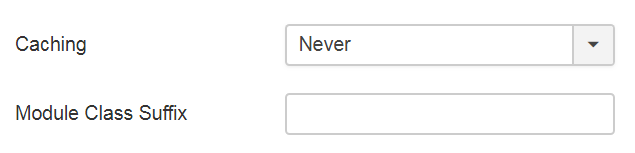
| Option | Description | Example |
| Caching | Select whether to cache the content of this module. | Never |
| Module Class Suffix | A Suffix to be applied to the CSS class of the Module. This allows for individual Module Styling. Read More | _custom |
What next ? Using the Categories Module